
Buzz cut filter
Try a short-hair direction on your photo before you cut it. Choose visible coverage or a closer finish, then compare your preview with the original.
Drop a photo here, or choose a file.
JPEG, PNG, WebP or supported HEIC/HEIF · up to 20 MB.
Choose your short-hair direction
A short, dark layer remains across the top, with closer sides and a clearly visible front edge.
1 preview · 1 credit on success. See pricing.
Sign in to see the balance the live generator will use.
Your photo is sent for cloud processing when you generate, after the input and balance checks.
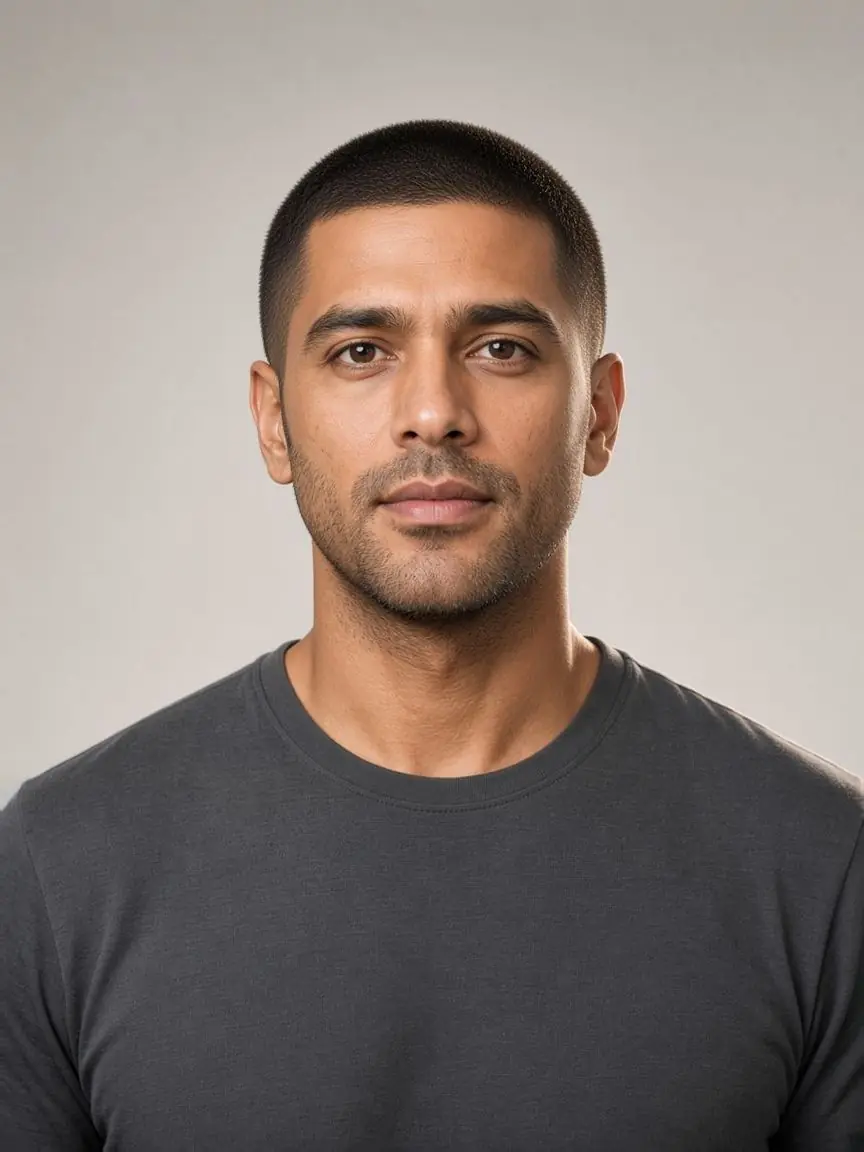
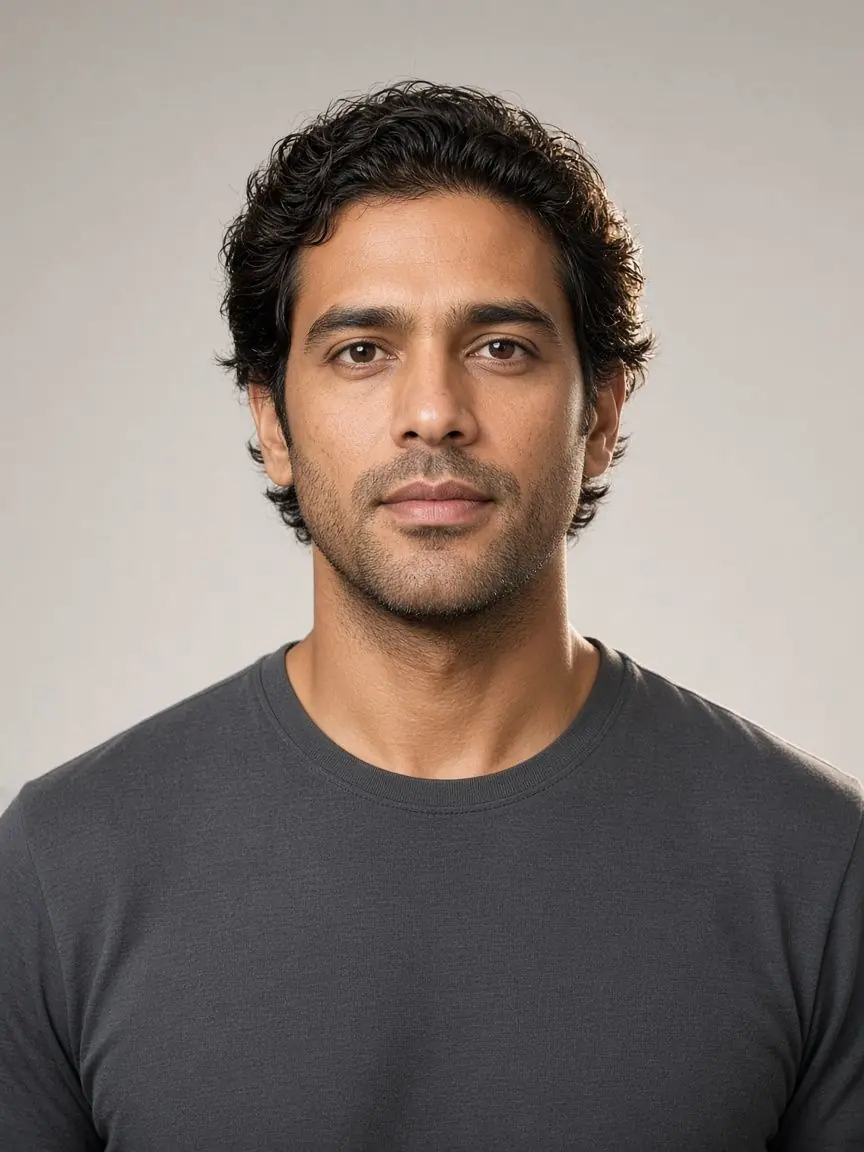
AI catalog reference. Add your photo to create a separate preview.
Three references, different amounts of coverage
A buzz cut filter is useful when you compare the front edge, top coverage and ear-side outline. These catalog pictures show the selectable directions; your own preview is a separate image.
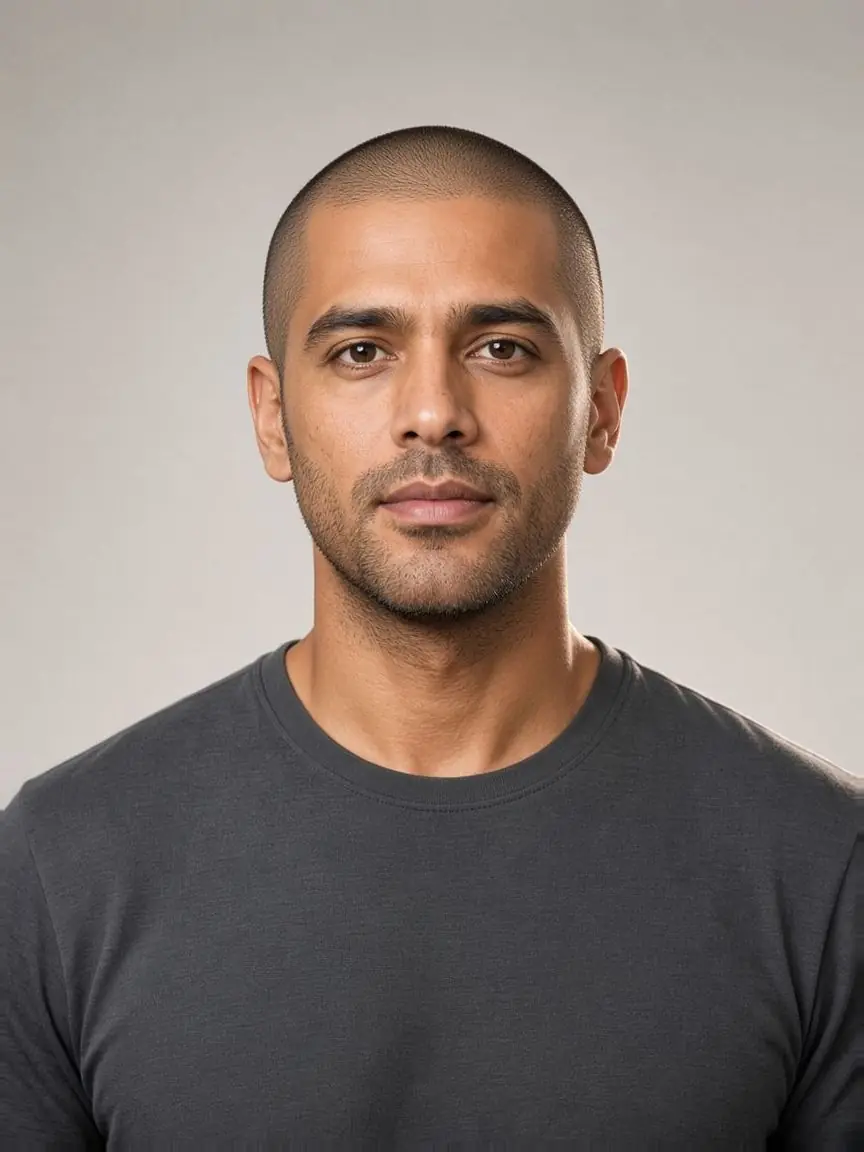
Buzz cut
A short, dark layer remains across the top, with closer sides and a clearly visible front edge.
Compare the top coverage and side transition you want; keeping the short outline defined still involves reshaping.
Induction
The scalp is more visible through a finer layer of short hair; the reference still shows stubble rather than a bare scalp.
Ask how much scalp you want visible and whether you want to maintain this close finish as the hair grows.
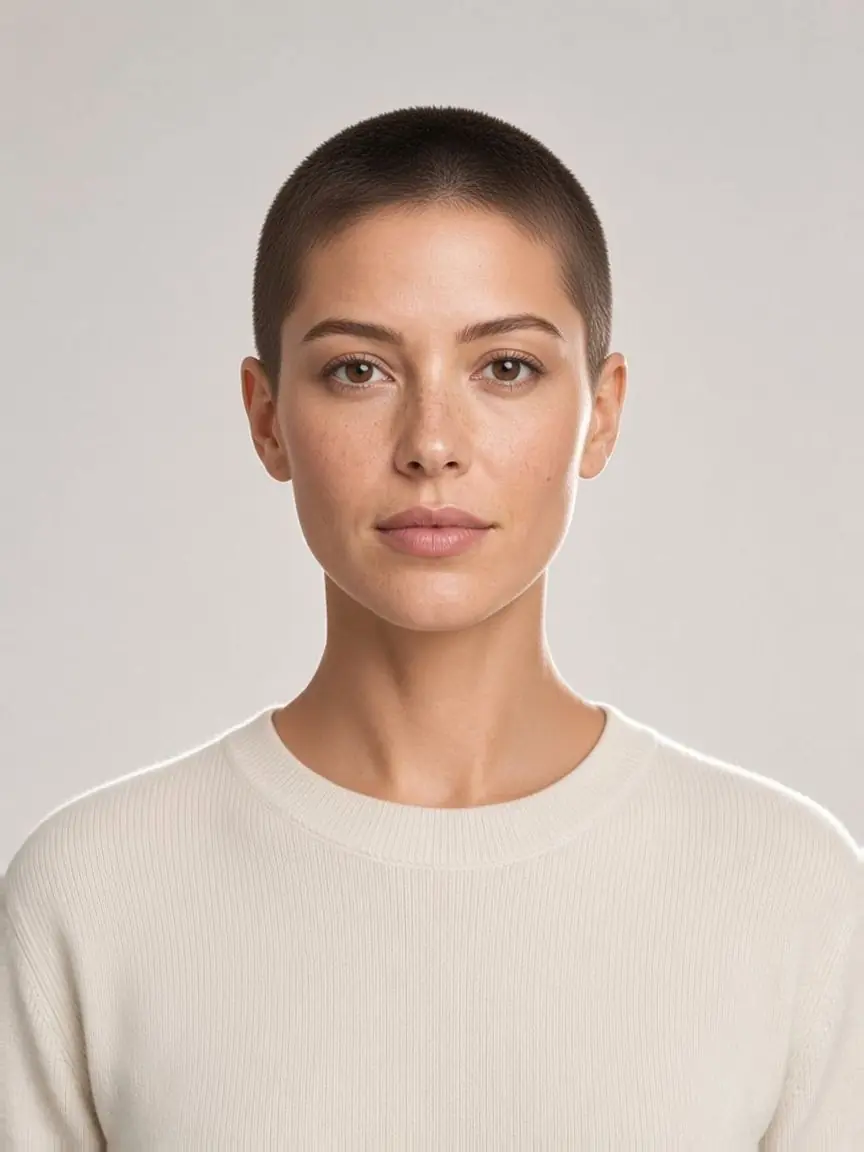
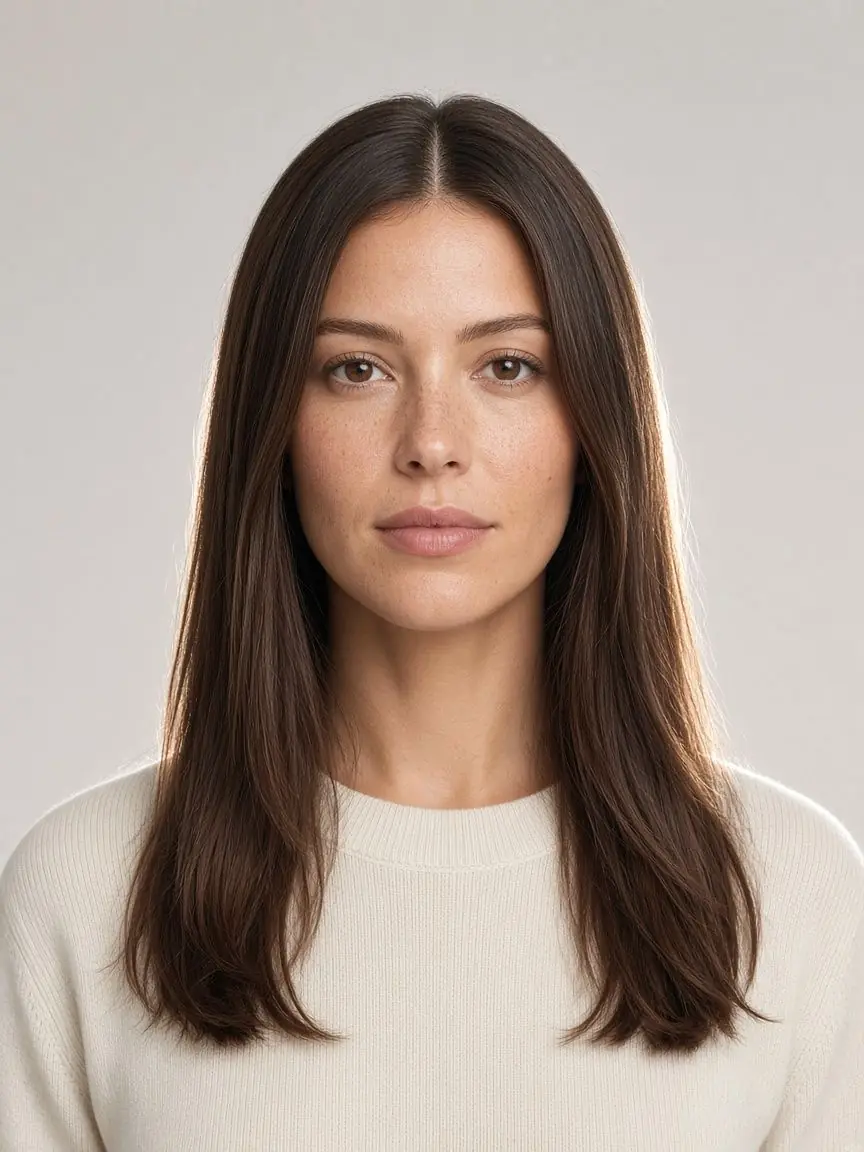
Cropped buzz
A compact dark top replaces the long sides, leaving the ears, neck and forehead outline more exposed.
Compare the front edge and ear-side finish before choosing; less length to arrange does not remove the need to maintain the perimeter.
AI catalog references, not results generated from your photo. They do not specify an exact guard or millimeter length.
Short hair is different from bare scalp
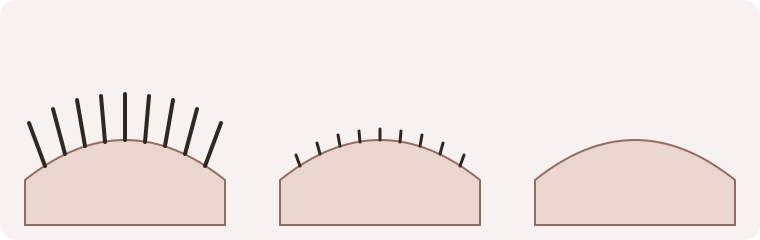
Choose the short finish you want
A buzz cut filter helps you explore a much shorter outline before you decide what to ask a barber or stylist for. Start with how much hair you want to see across the top and how much scalp you want exposed. You do not need a face-shape result to begin.
Buzz cut: keep a visible layer on top
The men’s Buzz cut reference retains a dark layer of short hair, with closer sides and a defined front edge. Use this buzz cut filter option when you want to compare short coverage with your current length. The preset describes a visual direction, not a particular clipper guard or a promised millimeter length.
Induction: compare a closer-looking finish
Induction shows more scalp through a finer layer of hair. This buzz cut filter choice still represents short stubble, not a clean-shaven head. Compare it with Buzz cut if scalp visibility is the decision you want to explore. Lighting, hair color and the AI interpretation affect that appearance, so do not read the reference as an exact measurement of your own hair density.
Cropped buzz: a separate women’s choice
Choose Women for the Cropped buzz preset. It leaves the ears, neck and front outline more visible than the long-haired sample. The female buzz cut reference is an illustration of that change, not a judgment about who should wear it. The buzz cut filter uses the collection you choose; it does not decide your gender from the photograph.
Prepare a photograph with room around your head
Use one clear, front-facing portrait with the camera near eye level. Include the whole top of the head, both ears where possible and a little space above the hair. A tightly cropped selfie gives the model less context for the outline. Remove hats and move loose hair away from the face without covering the forehead with your hands.
Even light makes the front edge easier to inspect. Avoid a strong shadow across the scalp, a steep camera tilt or a beauty filter that already changes facial detail. A buzz cut filter must infer areas hidden by your current hair; that inferred head shape is not a scan of your skull.
JPEG, PNG and WebP are supported, along with HEIC or HEIF files the photo decoder can open. Keep the file under 20 MB. If a phone photo cannot be read, export a JPEG or try another image. The sample lets you learn the controls without choosing a personal picture.
Move from a photo to a preview
Add your photo, choose Men or Women, then select one of the corresponding presets. Check the current choice before pressing Generate. The buzz cut filter works on one active style at a time, making it easier to connect the result to the choice you made. Selecting a style or using a sample does not generate an image or spend credits.
You can keep the same photo while comparing another available cut. If you want broader length options first, the hairstyle chooser helps narrow the catalog by your preferences. A face-shape label is optional, not a condition for trying shorter hair.
Read the result beside the original
When a result is available, use the original-image comparison before deciding whether you like the change. The useful question is not simply “does short hair suit me?” Check which parts of the buzz cut filter preview are convincing enough to discuss and which details remain uncertain.
Look across the front edge, the top coverage and both ear-side transitions. Short hair should remain visible for these presets. Check for an uneven patch, stray long strands or a top outline that appears stretched. For a closer-looking result, inspect scalp texture rather than assuming a pale area proves the head has been shaved bare.
Then compare the face, eyebrows, beard if present, clothing and background with the original. AI can alter details outside the requested hairstyle. The buzz cut filter preview is a visual idea, not a guarantee that every feature stays unchanged or that a real haircut will look identical. Keep your original photograph as the comparison point.
Save the result you actually compared
Use Download after a generated result is displayed. Open the saved image and check the whole frame, including the top of the head and the ears. Make sure it is the result you intended to keep. The buzz cut filter references on this page are separate from an image generated from your photo.
Bring a reference and your original to a barber if you decide to explore the cut. Describe the coverage, front edge and side transition you like. Ask what is realistic for your growth pattern and how often you would want the short outline refreshed; less hair to arrange still needs maintenance.
Costs and when your photo is uploaded
Generating requires sign-in and costs one credit for a successful style. A buzz cut filter visit does not include unlimited free generation, and preparing a sample does not create a personal AI result. Failed generations are not charged.
Photo preparation happens on your device. When you actively submit a generation and the account checks pass, the photo is sent through the server to an AI service. Source photos and results use the account’s image storage. This buzz cut filter is not an entirely local or live-camera effect. Read the privacy policy for the broader handling terms.
If processing is interrupted
Keep the page, photo and selection unchanged if the interface says a result is still being confirmed. Follow its recovery action to check the existing attempt; do not start several new attempts to chase the same result. Recovery can retrieve a completed image without creating another paid generation, but it cannot turn a confirmed failure into a successful result.
If the buzz cut filter reports a failure, review the message before deciding whether to try again. Keep a readable, complete-head photo ready, and treat a new generation as a separate choice. Do not use a missing or failed result as evidence of how the haircut would look.
Common questions
What would I look like with a buzz cut?
A buzz cut filter can provide a photo-based idea of shorter coverage and a more exposed outline. Compare the output with the original and use it to discuss preferences. It cannot establish your real scalp shape, exact clipper length or finished haircut.
Is this a bald filter too?
No. These three presets retain visible short hair or stubble. A clean-shaven head is a different effect. Induction is the closest-looking reference here, but it should not be treated as a promise of a completely hairless scalp.
Do I need to know my face shape?
No. Start with the coverage you want. The optional men’s face-shape guide and round-face haircut comparisons offer context if you want it; neither is a required step in the buzz cut filter.
Can I try longer styles instead?
Yes. The hairstyle studio has the wider catalog. Choose the actual style you want to compare and review its selection before generating. Keeping a clear goal—more coverage, an open forehead or less daily arranging—makes the comparison more useful than chasing one universally “best” cut.