
Bald filter
Preview a clean-shaven scalp from one photo. Check the eyebrows, facial hair and original details when you compare.
Drop a photo here, or choose a file.
JPEG, PNG, WebP or supported HEIC/HEIF · up to 20 MB.
Your clean-shaven option
The scalp is exposed while the eyebrows and short facial hair remain visible in this AI reference. It shows a clean-shaven direction, rather than a layer of induction-cut stubble.
1 preview · 1 credit on success. See pricing.
Sign in to see the balance the live generator will use.
Your photo is sent for cloud processing when you generate, after the input and balance checks.
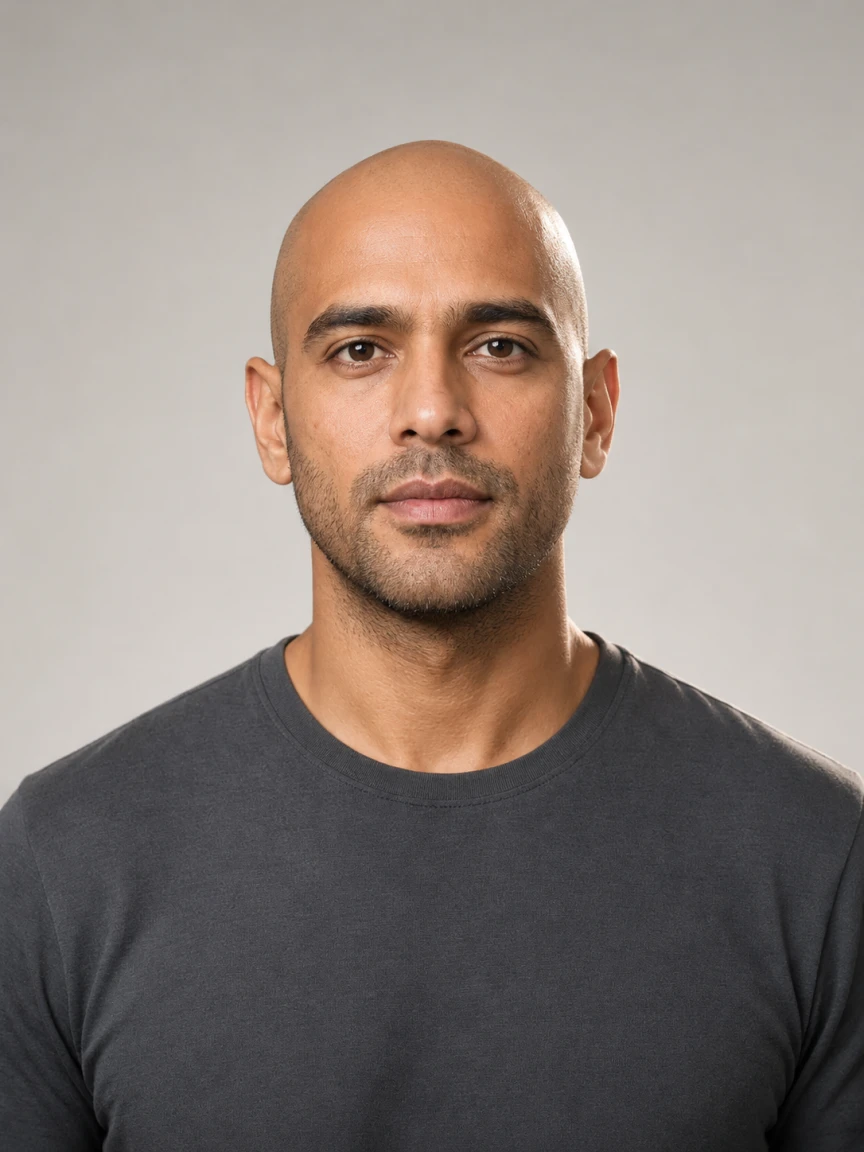
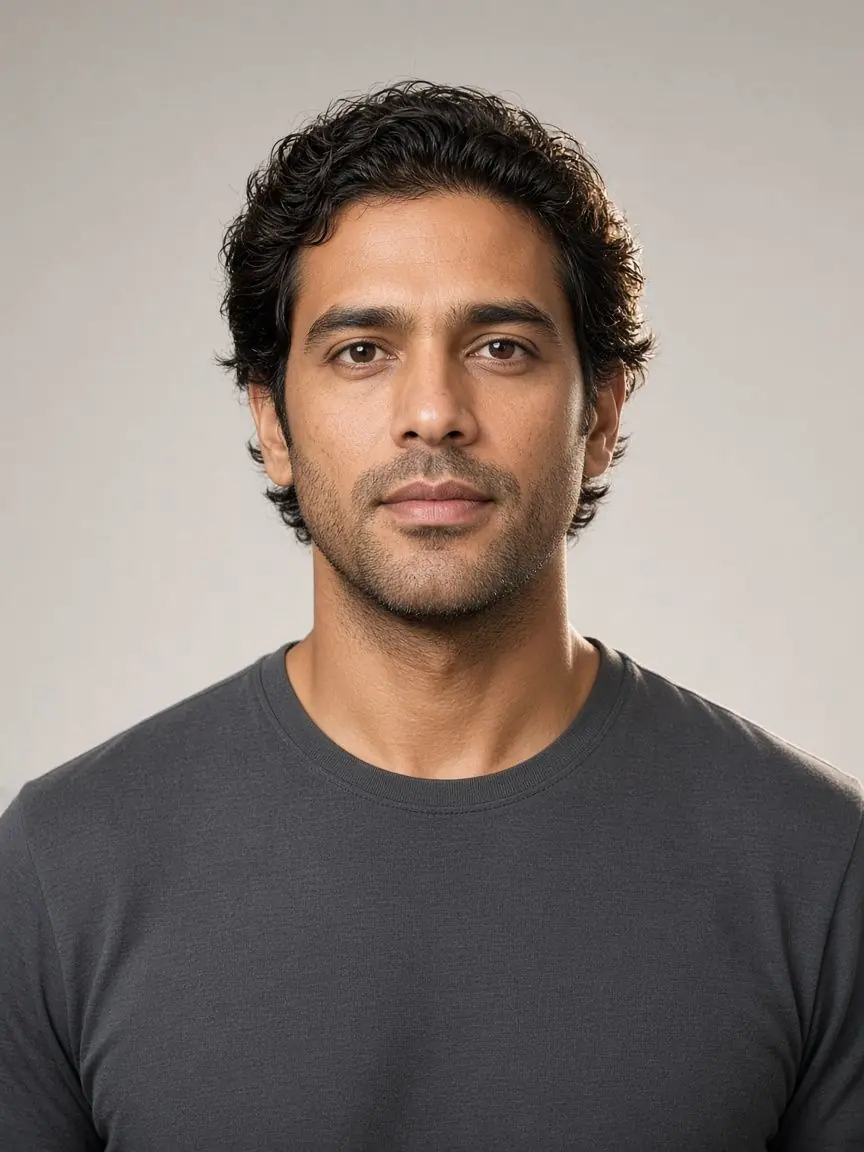
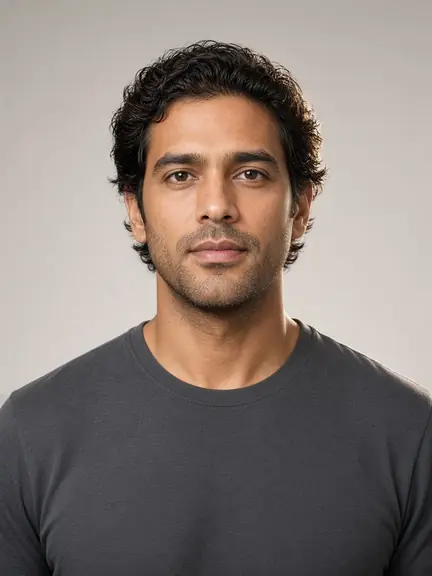
AI catalog reference. Add your photo to create a separate preview.
A clean-shaven direction, two reference models
The bald filter requests a scalp without visible strands or stubble. These AI illustrations show the idea on the two catalog models, not a prediction of your head shape or a result generated from your photo.
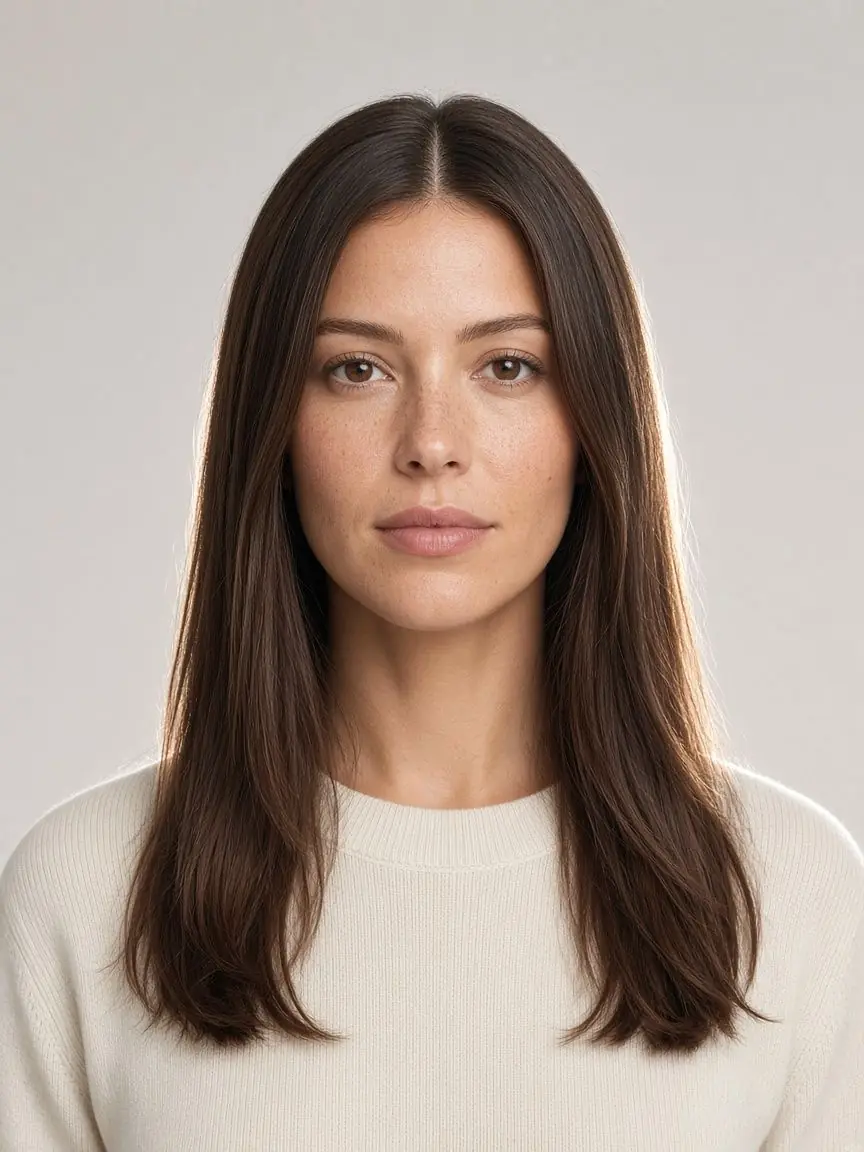
Men reference
The scalp is exposed while the eyebrows and short facial hair remain visible in this AI reference. It shows a clean-shaven direction, rather than a layer of induction-cut stubble.
Use your original to check the beard, brow edges and skin texture in a new preview. The shape previously covered by hair is inferred, so this reference cannot tell you your actual scalp contour.
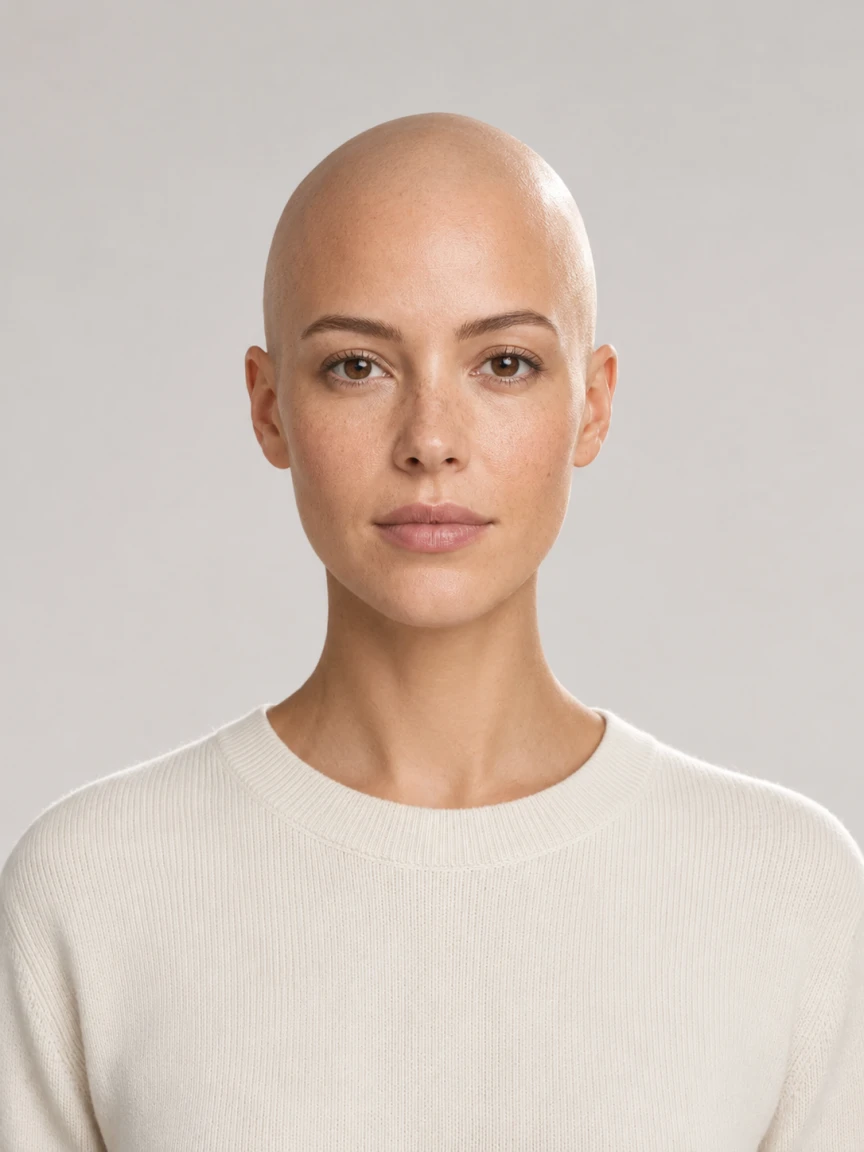
Women reference
The long hair is removed from around the head and neck in this AI reference. The upper contour becomes visible, but that contour is an illustration of the transformation, not a measurement.
Compare the ears, eyebrows, face and background in your own output. A bald filter may reinterpret details as it removes hair, so inspect the whole image instead of treating a smooth scalp alone as success.
AI illustrative references, not customer photos or results generated by this tool. Previously hidden areas and some facial details are inferred; compare your own result with its original.
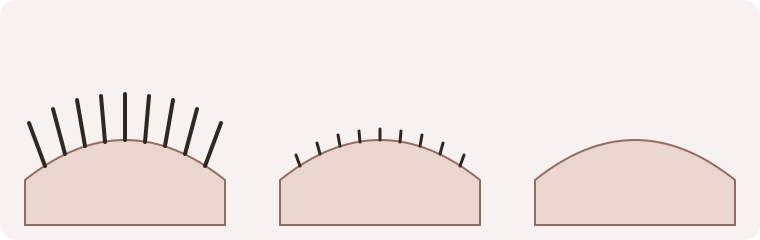
Stubble is still hair
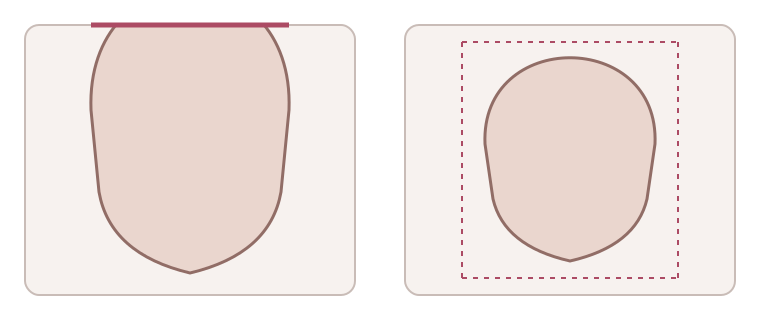
Leave room above the head
Start with a clean-shaven direction
A bald filter explores how your portrait might look with the scalp hair removed. The choice here is a clean-shaven head, without visible hair or short stubble. It is different from making your current haircut shorter or showing more scalp through a fine layer of hair.
The bald filter asks the image editor to preserve your eyebrows, eyelashes, beard if present and facial features. That is the editing goal, not a guarantee that every detail stays identical. Keep the original photograph available so you can judge the whole result rather than the hair removal alone.
Include the whole head in your photo
Choose a clear portrait facing the camera, with the lens near eye level. Leave room above your hair and around both sides of the head. Include the ears where possible. A tight crop or a hat hides information the editor needs and can make the resulting outline harder to assess.
Use even light and avoid a steep tilt, heavy shadow across the forehead or another filter that already changes facial detail. For a bald filter, the outer hair shape is not necessarily the shape of the head beneath it. Large amounts of hair leave more of that surface uncertain.
JPEG, PNG and WebP are supported, along with HEIC or HEIF files the photo decoder can open. Keep the file under 20 MB. If an image cannot be read, export a JPEG or choose another portrait. The bald filter sample is an AI reference model you can use to learn the controls.
Choose a collection, then check the selection
Select Men or Women to choose the corresponding reference and preset. The bald filter does not determine your gender from the photo. There is one clean-shaven direction in each collection, so you do not need to choose a hair length, scalp score or face-shape label first.
Color stays set to the original. This bald filter does not offer a separate hair-color change, and removing scalp hair should not be treated as a request to recolor eyebrows or a beard. Check the selected effect before pressing Generate. Choosing a reference, changing collection or preparing a photo does not create an image or spend credits.
If you prefer visible short hair, compare the buzz cut filter. Buzz cut and Induction directions retain visible strands; this bald filter instead asks for a clean-shaven result.
Understand the hidden areas
Hair can cover the top and sides of the head. An AI bald filter must interpret those hidden areas from the visible photograph; it cannot recover an exact shape that the camera never recorded. Treat the resulting crown and hairless surface as an illustration of a possibility.
A bald filter is not a skull measurement, a prediction of future hair loss or a medical assessment. It also cannot tell you whether a style is objectively attractive. Use the preview to explore your preference, while keeping uncertainty about the newly revealed outline in mind.
Check the preview against the original
When a result is available, begin with the crown, temples and both sides near the ears. Look for leftover long sections, obvious short strands or an uneven patch where the scalp hair should have been removed. The bald filter aims for a clean-shaven direction, not an Induction cut relabeled as bald.
Next compare the eyebrows, eyelashes, beard or moustache with the original. Their shape, color and position matter to the identity of the portrait. The bald filter should not be judged only by whether the top looks bare. Also inspect the eyes, jaw, skin detail, expression and the transition around the ears.
Finish by comparing the clothing, background, light and framing. AI edits can change details outside the requested area. A bald filter result is useful as a visual reference when you understand those differences; it is not proof that shaving your head would produce the same photograph.
Save the result you chose
Use Download once a generated result is displayed. Open the saved file and check that the whole head is included, the image is readable and it is the version you intended to keep. A bald filter reference picture on this page is separate from a new result generated from your own input.
Keep your original as well. If you show the bald filter preview to a barber, explain that the hidden scalp was interpreted by AI. Point to the appearance you want to discuss rather than asking for the inferred head shape or every edited detail to be reproduced.
Costs and when the photo leaves your device
Generation requires sign-in and costs one credit for a successful style. A bald filter visit does not include unlimited free generation or a personal result without signing in. Preparing a photo and comparing the reference images are separate from actively submitting a generation.
Photo preparation happens on your device. When you choose Generate and the account checks pass, the submitted photo goes through the server to an AI service. Source images and results use the account’s image storage. This bald filter is not an entirely local edit; see the privacy policy for the broader handling terms.
If an attempt does not return a usable preview
Keep the page, original photo and selection in place when a result is still being confirmed. It may be processing or may already have completed. Use the recovery action for the existing attempt rather than starting several new generations. An unconfirmed result does not establish whether a charge occurred.
When the site confirms a failed attempt, it has not charged that failed attempt on this site. That means the bald filter did not deliver a usable preview; it does not establish what happened inside the AI service. A new try remains your decision. Do not treat a missing or failed image as an example of your appearance.
Common questions
What would I look like bald?
A bald filter can offer a photo-based idea of a clean-shaven appearance. Compare it with the original, especially where hair previously covered the head. It cannot establish your exact scalp shape or guarantee how a real shave would look.
Does the bald filter remove my beard too?
No beard removal is requested. The effect targets scalp hair and asks to preserve eyebrows, eyelashes and facial hair. Inspect those features in the output because the request alone does not guarantee perfect preservation.
Is the bald filter free or available without sign-in?
Generating requires an account and credits. Each successful style costs one credit. Looking at references or preparing a sample is not the same as receiving a free personal AI result. Check the visible balance and cost before submitting.
Do I need an app or a face-shape test?
You can use the bald filter online in a browser; it is a still-photo preview, not a live-camera effect. A face-shape test is optional. The hairstyle chooser and wider hairstyle studio offer other directions if you want to keep some length instead.