22 cuts · 12 colors · 1 selfie
AI Hairstyle Changer
See a new cut on your own face before you book. Upload a selfie, choose from 22 cuts and 12 colors, then drag the slider to compare before and after.
JPEG, PNG, WebP, HEIC or HEIF up to 20 MB
- Nothing to install
- Women's and men's cuts
- Free face shape check
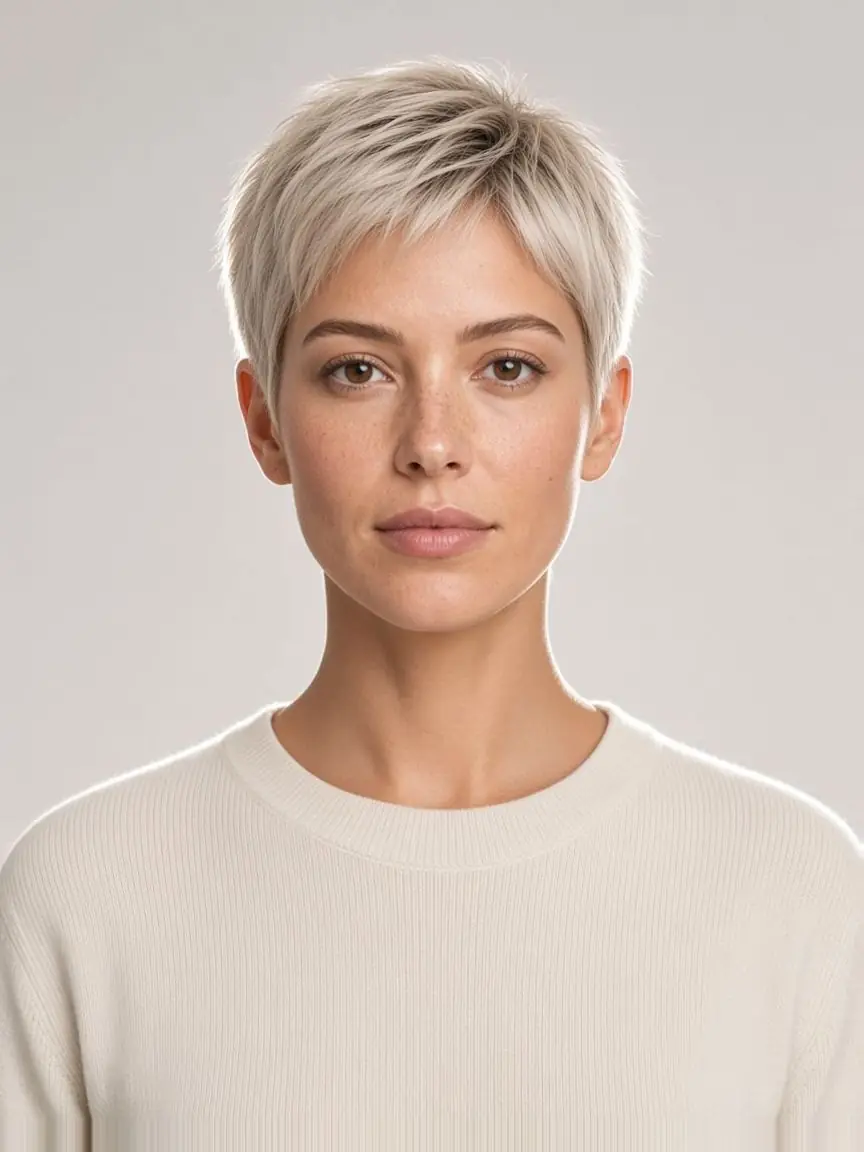
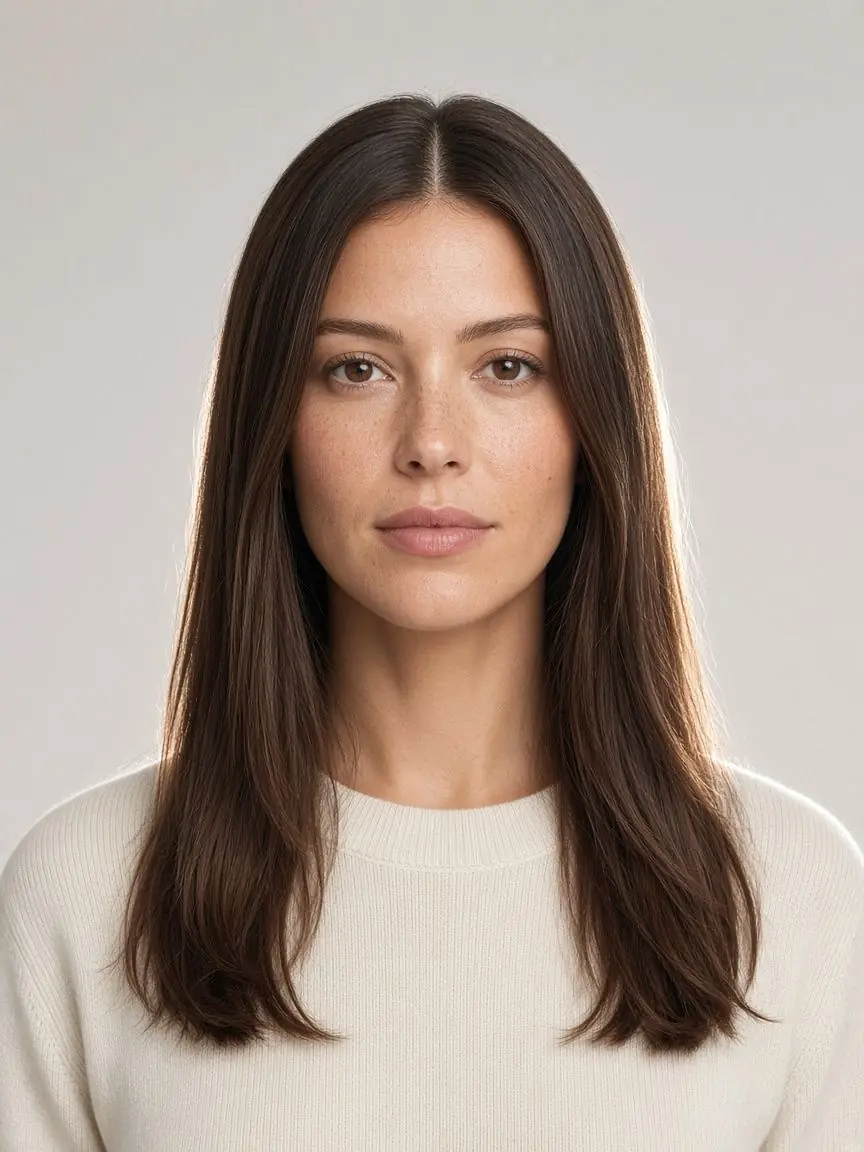 BeforeAfter
 PixiePlatinum
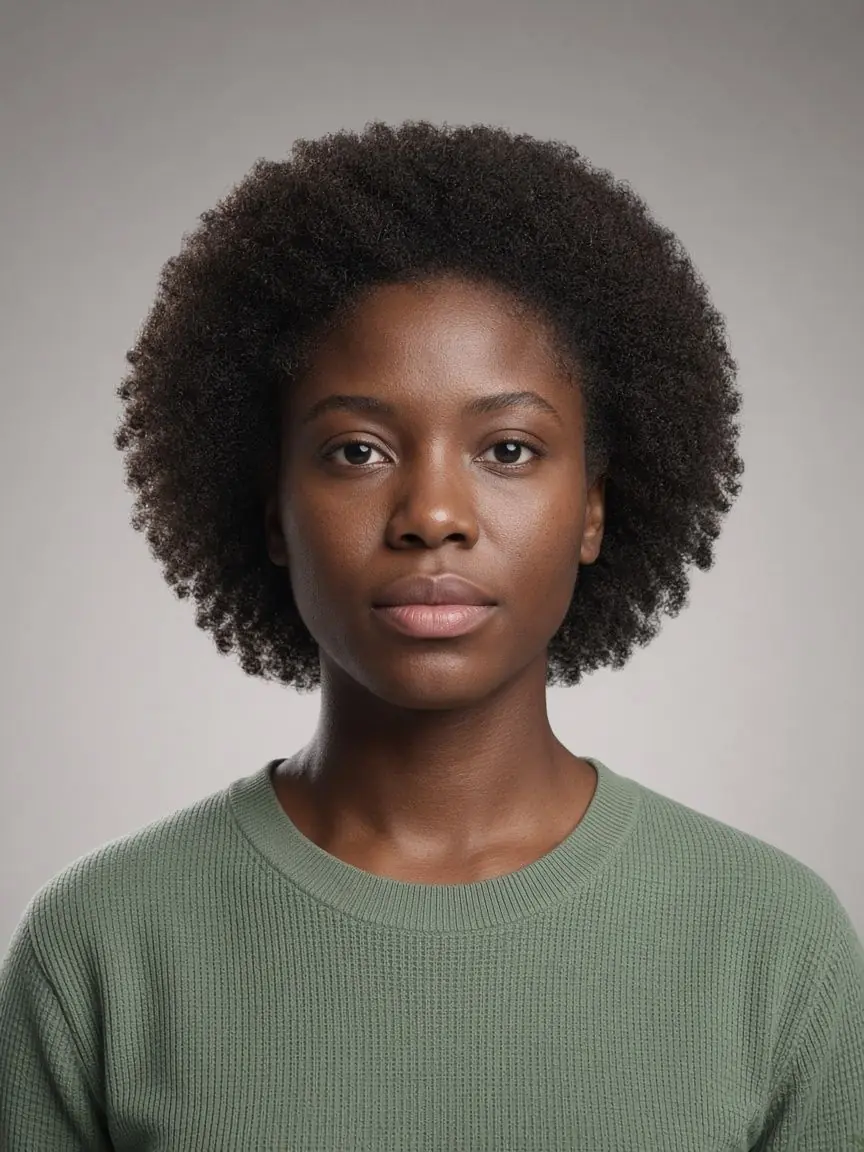
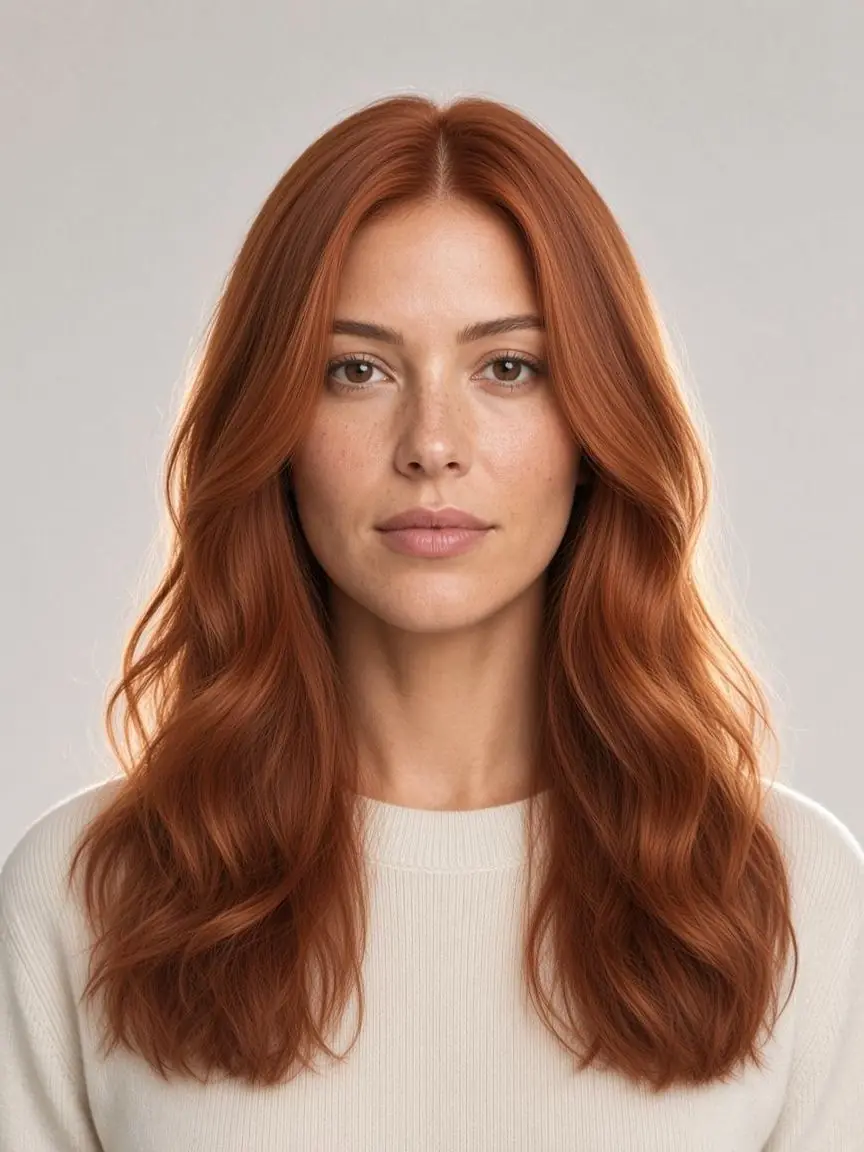
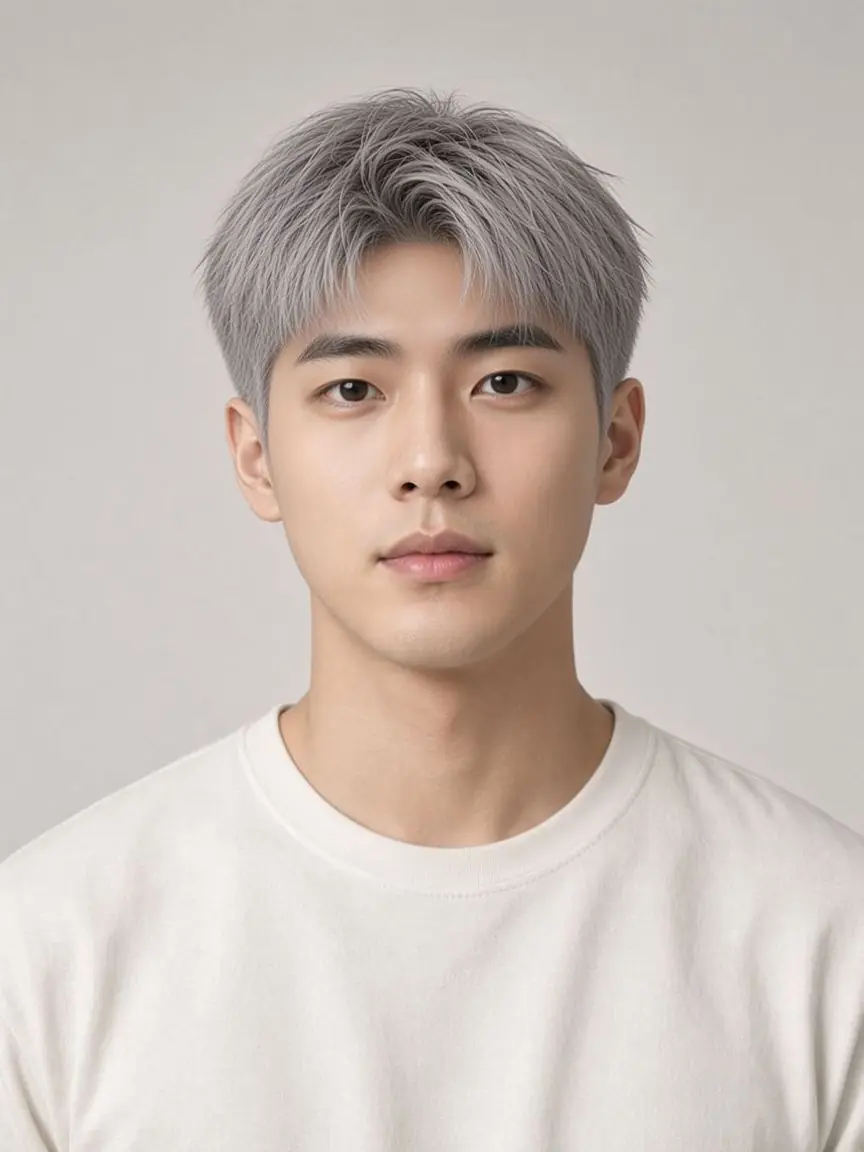
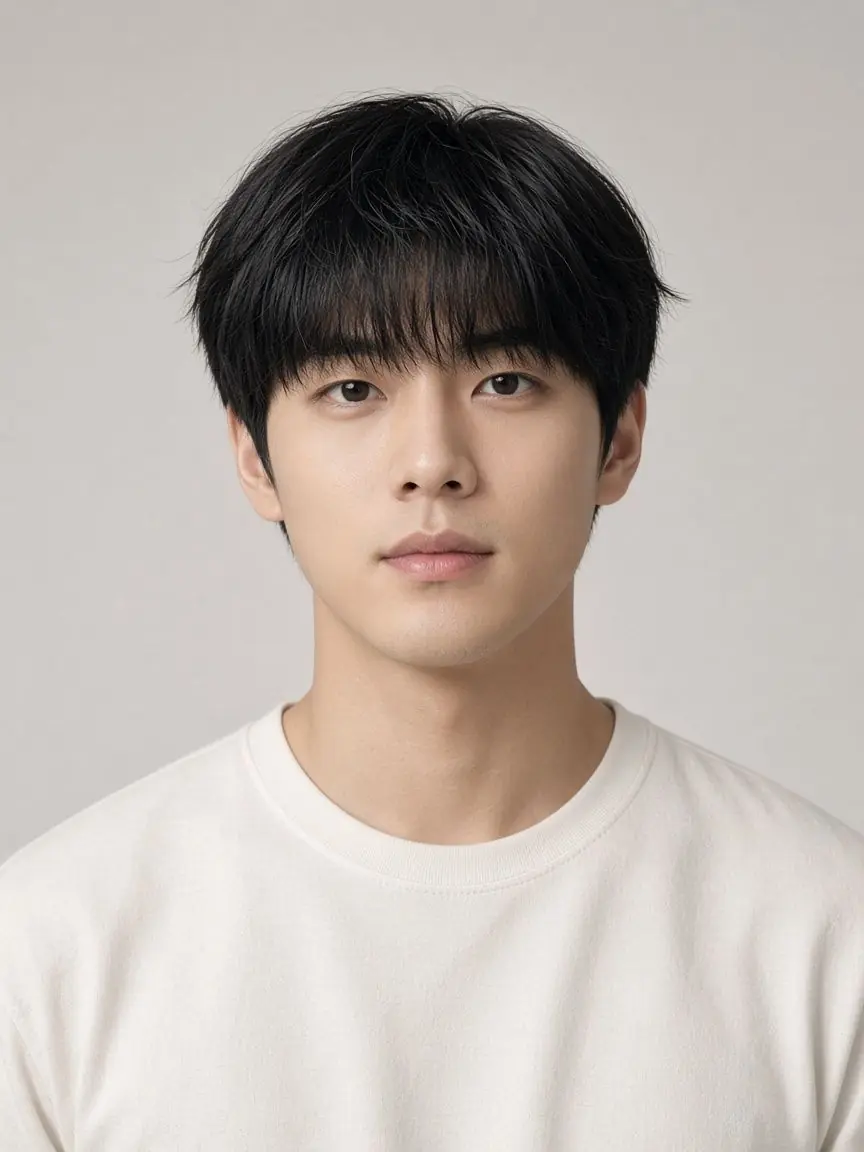
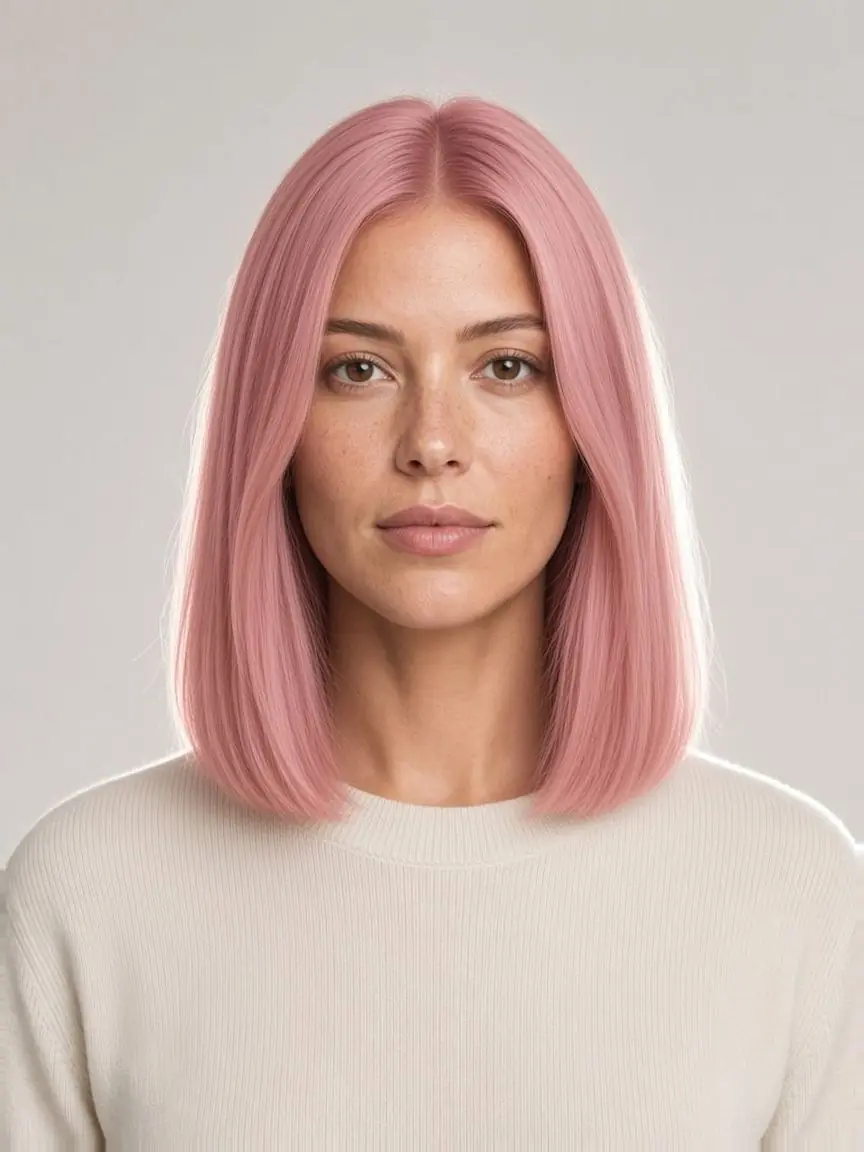
Faces shown are AI-generated models.
Studio
Try on 22 cuts and 12 colors
Start with a selfie
Face the camera with your hairline in view. Drop the photo here or choose a file.
JPEG, PNG, WebP, HEIC or HEIF up to 20 MB
1 / 4 hairstyles selected
Hair color
Keep my color
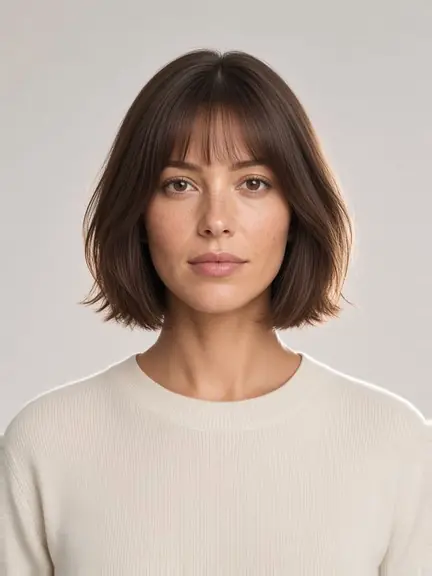
French Bob
Keep my color
1 looks · 1 credits. Only successful images are charged.
A live look costs 1 credit. See pricing.
Sign in to see the balance the live generator will use.
Lookbook
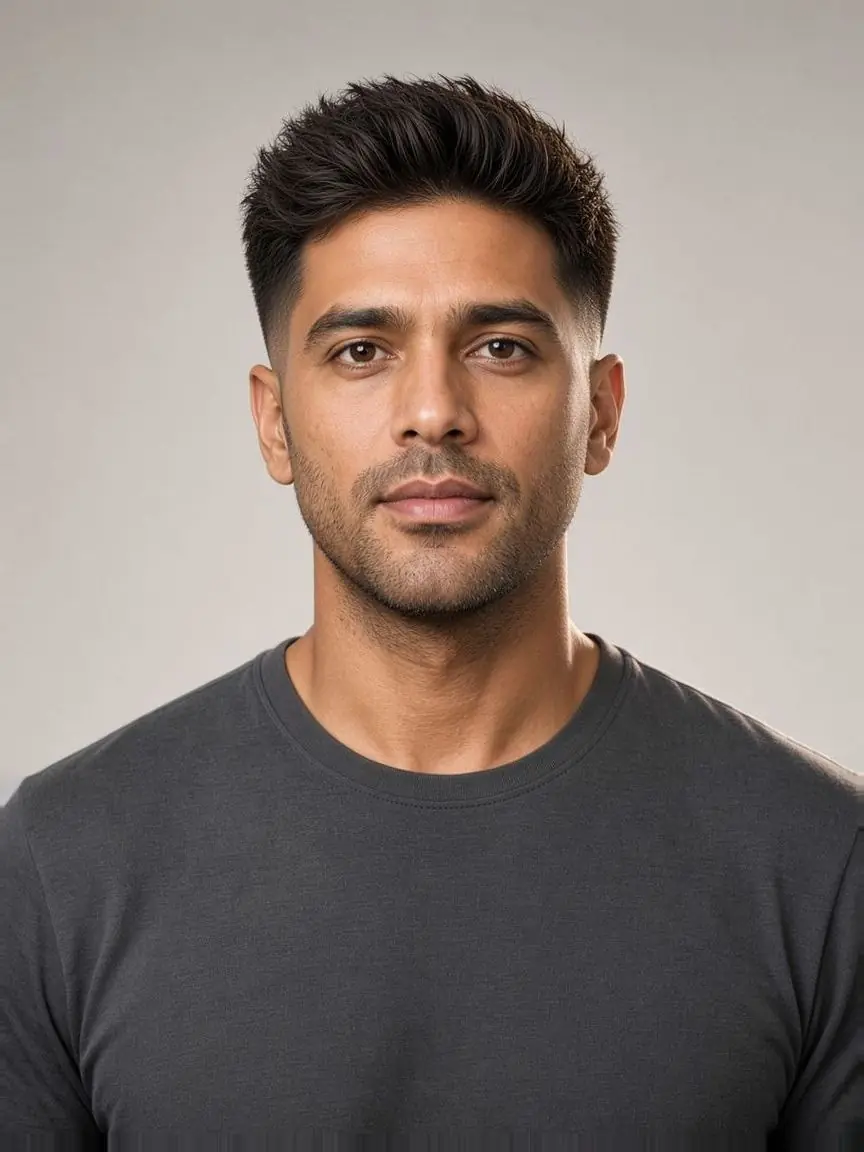
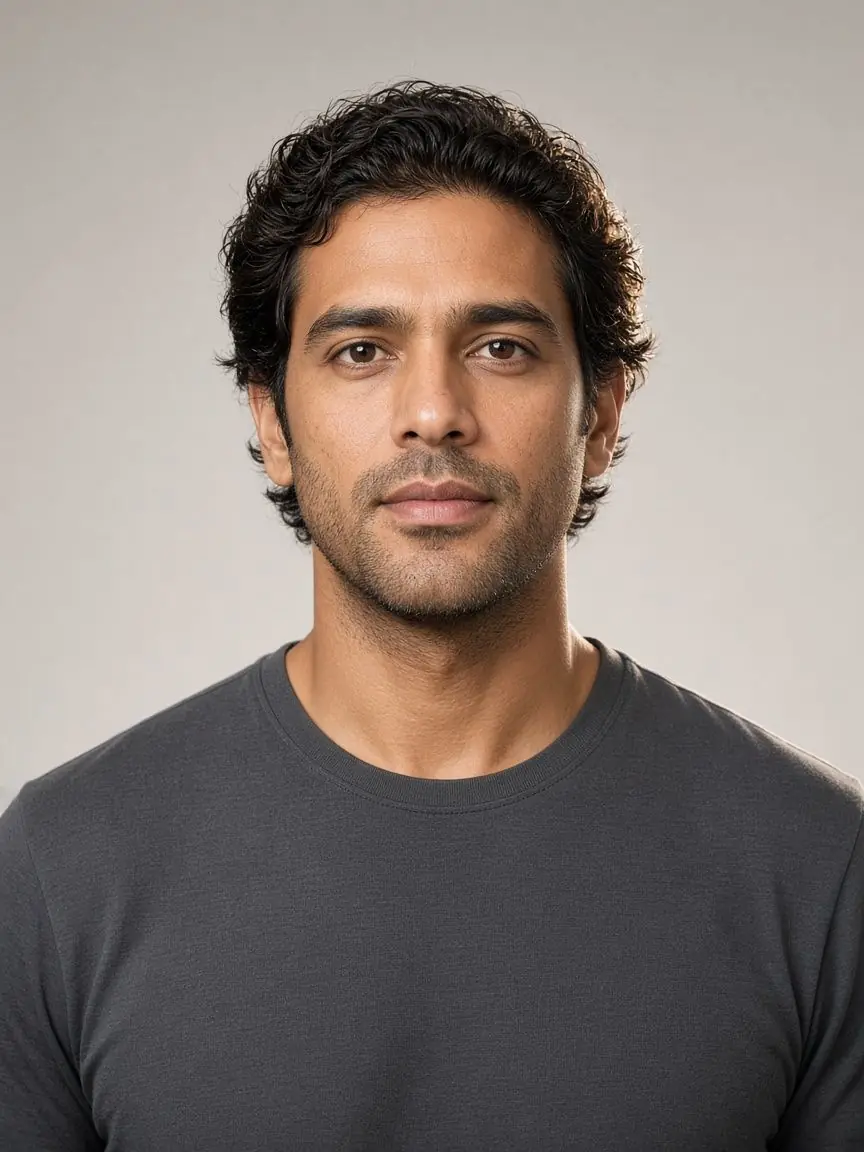
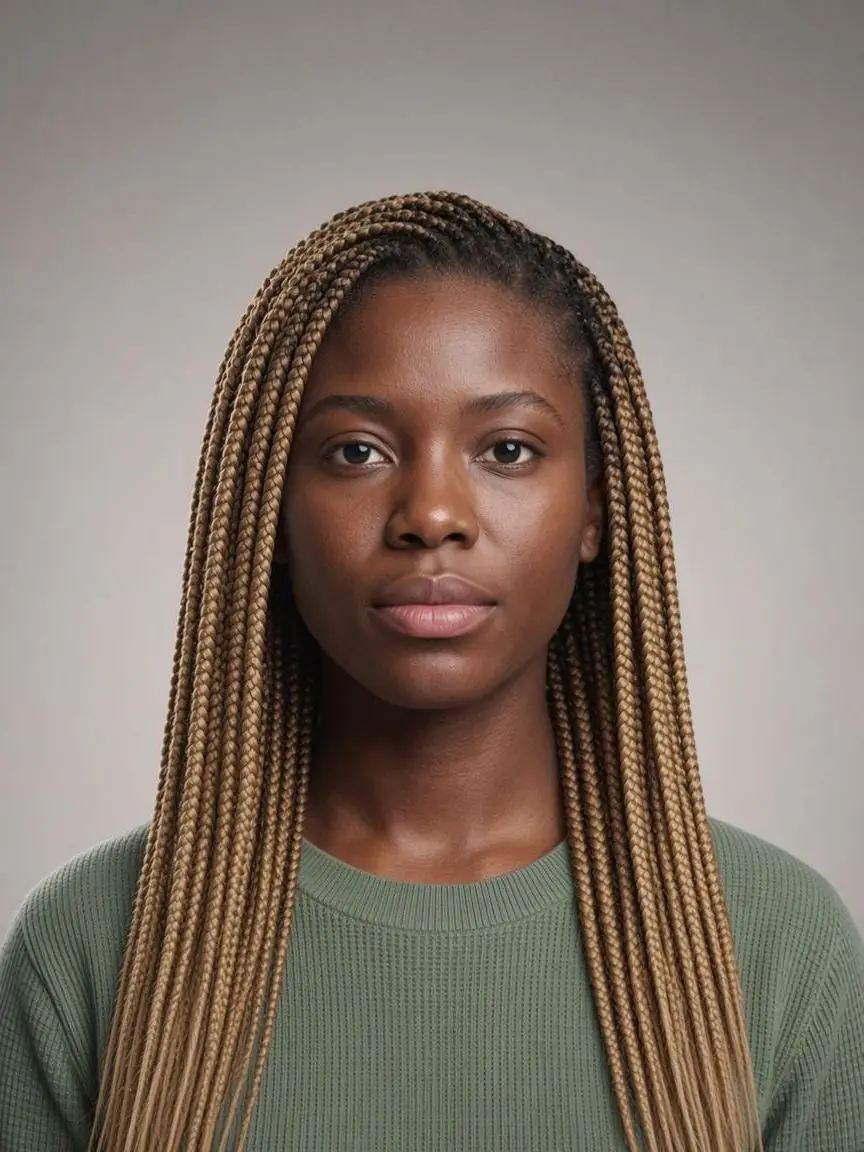
One face, many looks
Hover or tap a photo to see the before

How it works
How the AI hairstyle changer works
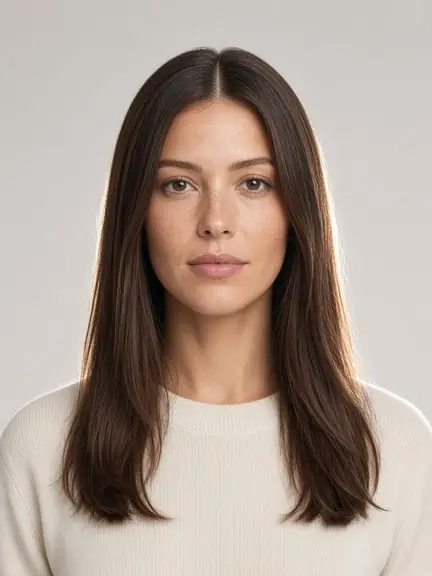 selfie.jpg01
Upload a selfie
Use a front-facing photo with your hairline in view. Daylight from a window or a lamp in front of you works best.
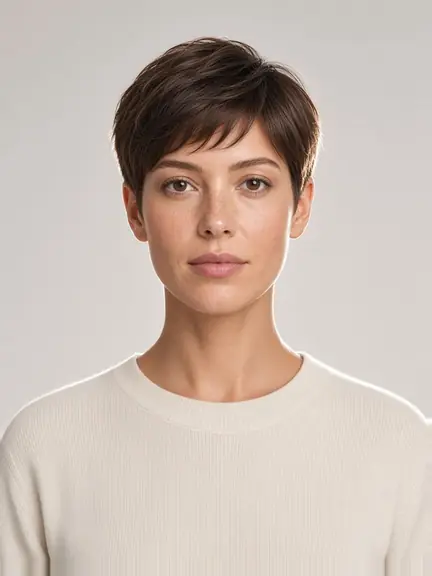
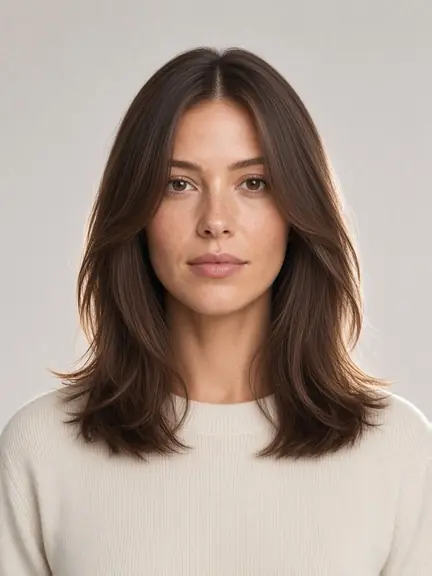
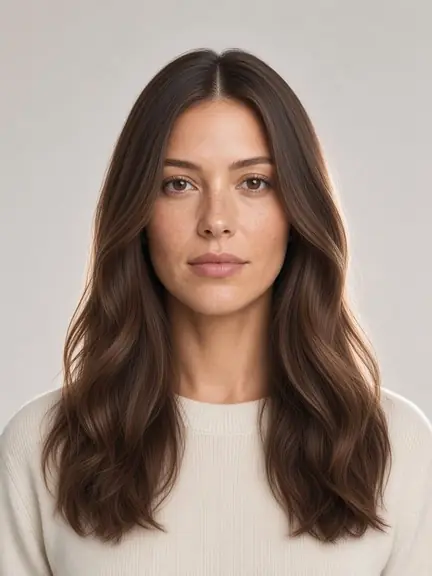




 02
02Pick a cut and color
Browse 12 women's and 10 men's cuts by length, then choose one of 12 shades or keep the color you already have.
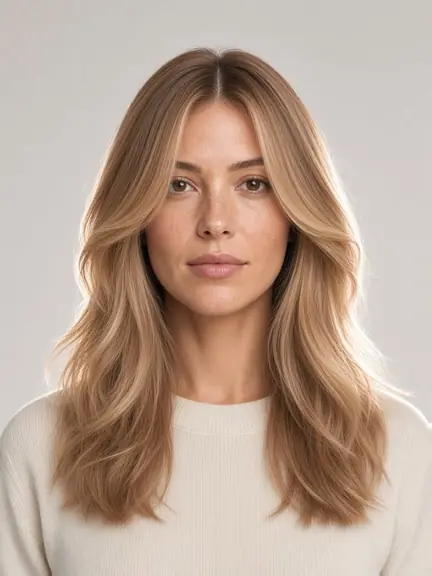 BeforeAfter03
Drag to compare
Slide between before and after on the same photo. Not sold on it? Try the next cut in one tap.
Guide
Find a length that suits you
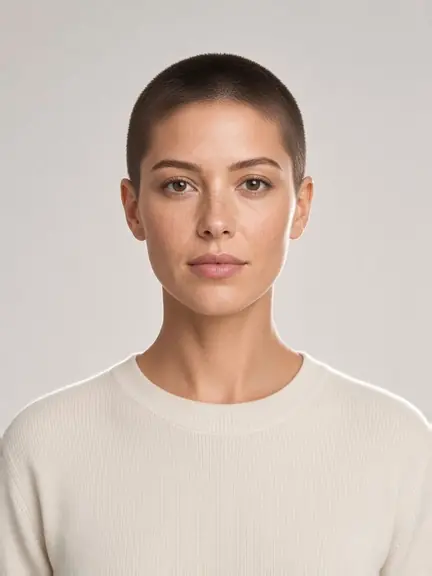
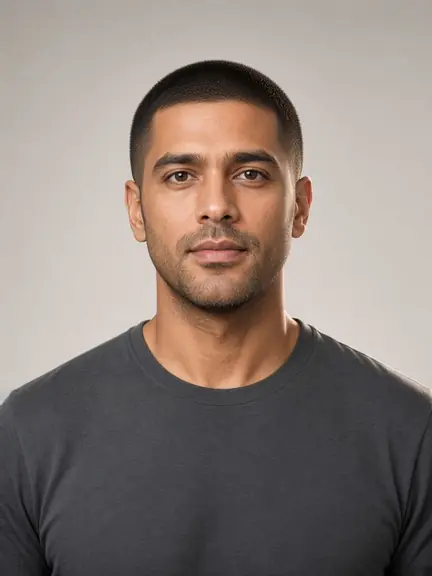
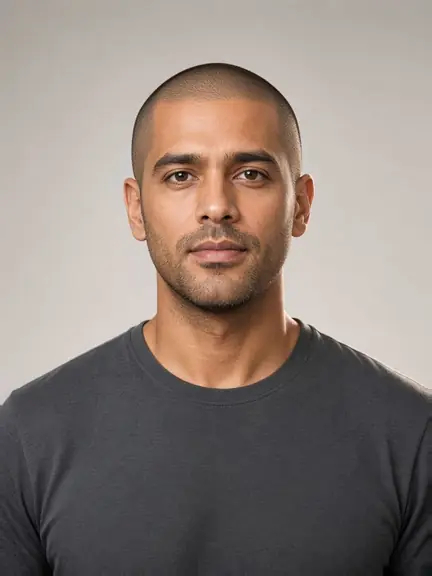
Buzz
Clipper-short, with the scalp showing through. The shape of your head matters more than any product, which makes it a bold test before going very short. Women get a cropped buzz. Men get a classic buzz and an even shorter induction cut.
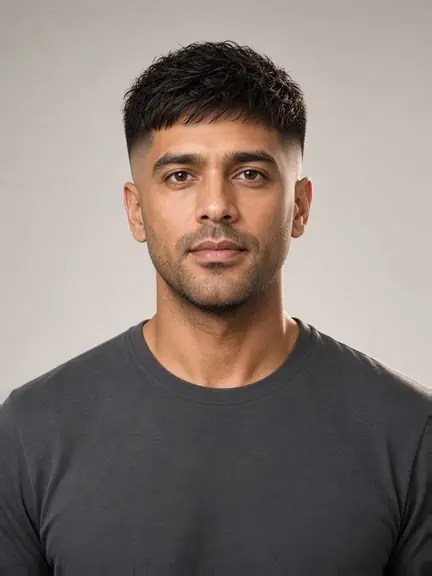
Short
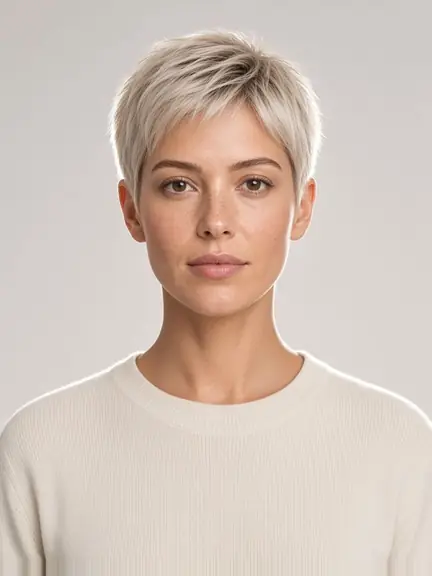
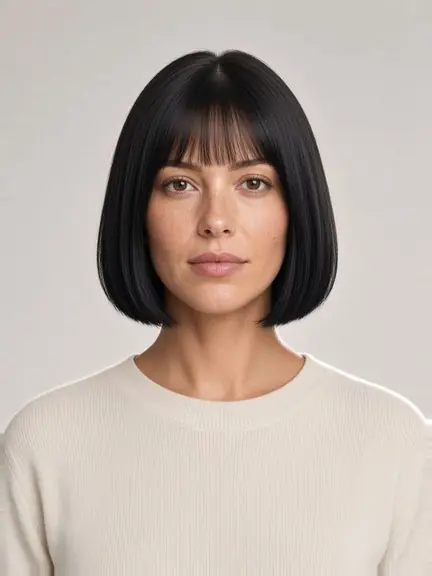
Short stops around the chin or the ear: a pixie, a French bob, or a textured bob for women, and a textured crop, French crop, or crew cut for men. Short cuts show the jaw and ears, so try one here before you ask a stylist to take it all off.
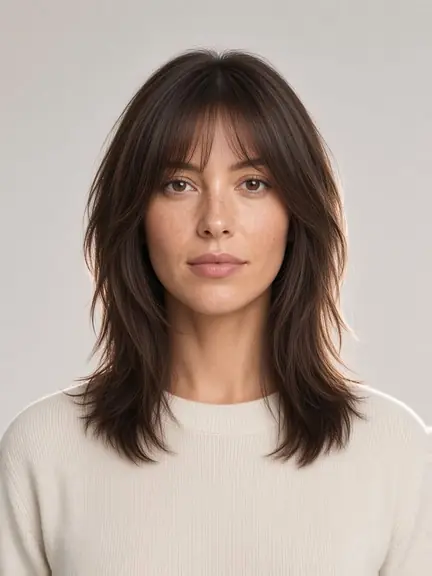
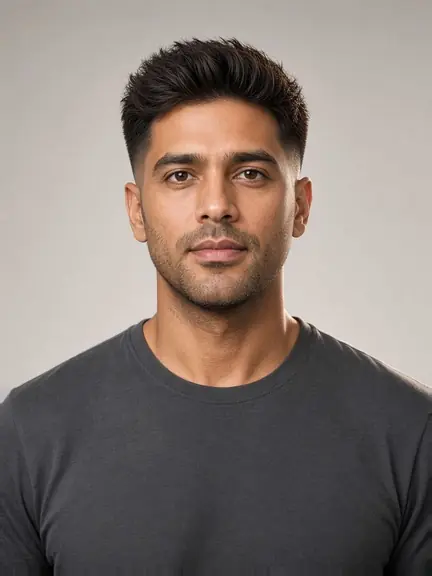
Medium
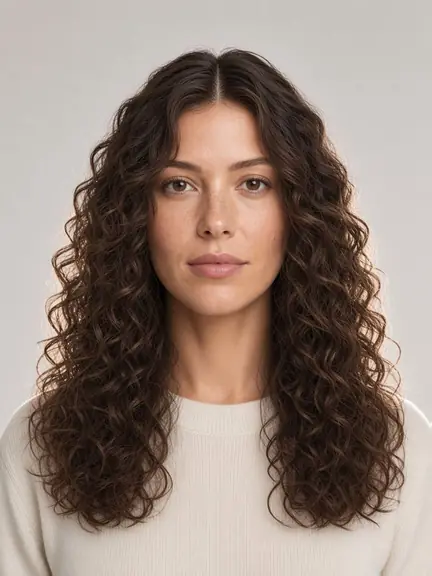
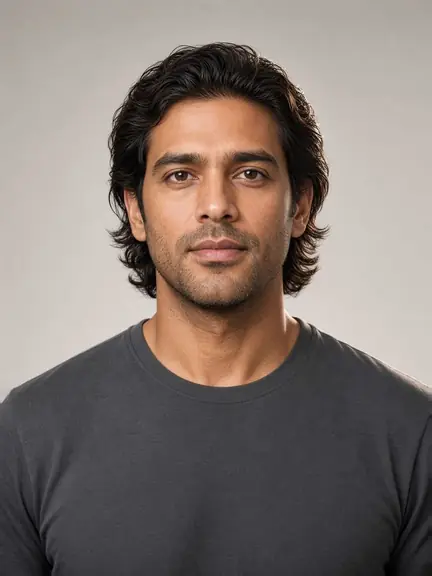
Between the chin and the shoulder sits the range most salons cut every day. Women can try a lob, curtain layers, a wolf cut, or a shag. Men can try a quiff, a side part, or curtains. A small change in the part or the fringe here changes the whole face.
Long
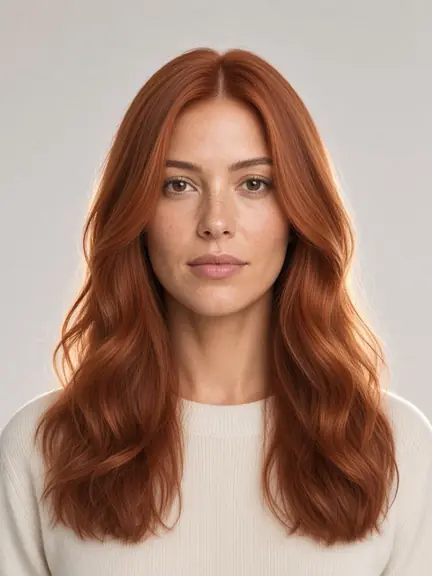
Past the shoulder, color shows more than at any other length, so this is where to choose between Chestnut, Honey Blonde, and Burgundy. Women can try soft waves, sleek straight hair, long layers, or spiral curls. Men can try a flow or a slick back.
Good photoTake a photo the AI can read
- Soft, even light on your face
- Look straight at the camera
- Hairline, ears and chin in frame
- Just you in the picture
- No hats, hoods or sunglasses
Color
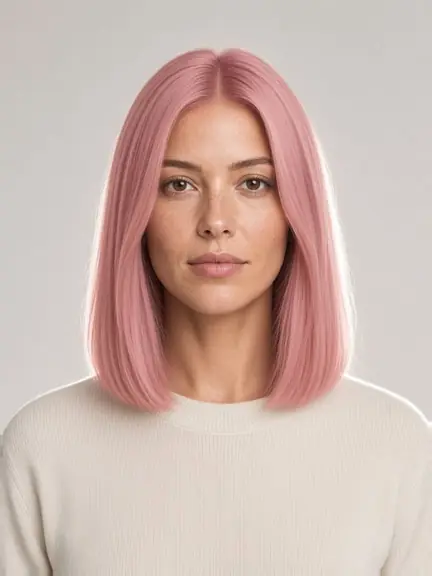
Try a new color on the same photo
Tap a shade to load it in the studio
Good to know
Private, quick, and clear on cost
Private by default
Your selfie is only used to make your look. The face shape detector goes a step further: it runs in your browser and never uploads the photo at all.
Quick to try
No app to install and no account needed to explore. Switching cuts takes one tap, and the slider is ready as soon as your look arrives.
Credits, not a surprise total
Each finished AI hairstyle changer result costs 1 credit. Monthly plans add credits on every renewal, and a credit pack adds looks in one payment that never renews.
See pricing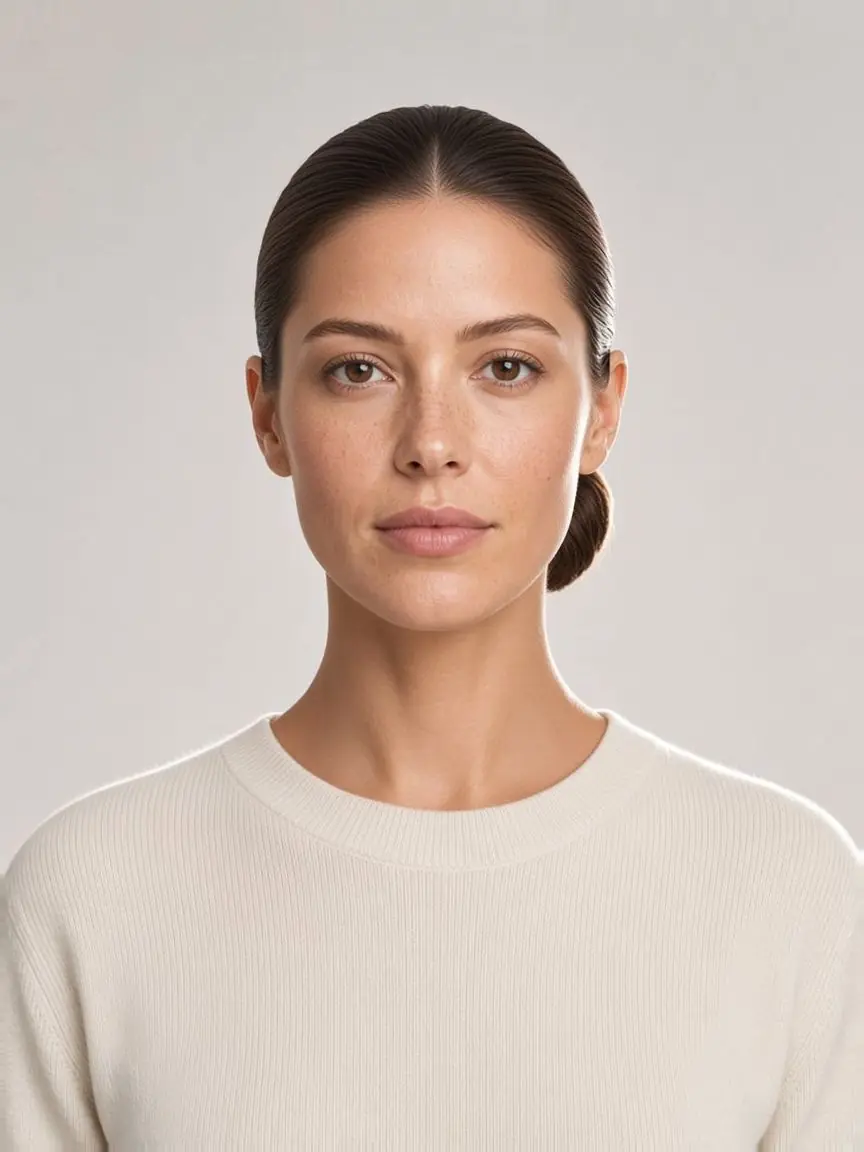
Free tool
Not sure what suits you? Check your face shape
- Oval
- Round
- Square
- Heart
- Oblong
- Diamond
- Triangle
Is the AI hairstyle changer free?
What kind of photo works best?
Is the guest preview an AI-generated result?
Do I have to sign in?
What happens to my selfie?
Are the people in the photos real?
Your next cut starts with a selfie
Let the AI hairstyle changer show it on your own face before anyone picks up the scissors.